
AI Agents. Connected Workflows.
One Business System.
Answer inquiries, qualify leads and book appointments—while your team focuses on the next client.

Build Around Your Business Workflow


Grow Your Business
with AI powered Agents
Put routine conversations and follow-up in the hands of AI agents built around your business.
Automate Lead Qualification
Find out what each lead needs before your team steps in.
Book More Appointments
Let interested leads book a time on your connected calendar.
Support Your Team
Keep your team focused, with clear handoffs when a person is needed.
Agents
Choose the right help for reception, lead follow-up and customer intake.

LEO
Sales Follow-up Agent
Keep interested leads engaged and help them take the next step.

AMY
Inbound Receptionist
Answer incoming calls, handle common questions and guide callers to the next step.

KIM
Customer Intake Agent
Gather customer details and give your team a clear starting point.
Human-Like AI Agents
Give every agent a defined role and next step.

Configure your AI agents to:
✓ Respond to incoming inquiries
✓ Coordinate appointment requests
✓ Handle routine front desk conversations
✓ Answer approved business questions
✓ Follow configured follow-up rules
✓ Route missed inquiries for review
✓ Support sales conversations
✓ Support coverage with human fallback

For Nurture and Follow-up
For Appointment Setting
For Receptionist
or Front Desk
For Sales and Support
AI Sales Support for Your Business
Give every inquiry a clear next step—from the first question to an appointment.

Configured Lead Qualification
Ask the questions that matter so your team knows what each lead needs.
Appointment Coordination
Find a suitable time and book appointments on your connected calendar.
Smart Customer Inquiry Handling
Answer FAQs, pricing questions, and next steps automatically, while handing off warm conversations to your team.
Pipeline Overview
See your opportunities, recent activity and next steps in one place.
Actions Speak Louder
Connect your workflow to supported tools. Confirm permissions, field mapping and handoffs before enabling CRM updates, follow-ups or appointment coordination.


Why Choose the AIMOZA Platform?
Coordinate sales and support with agents configured around your business.
AI That Knows Your Business
Give your agents the business information they need to answer common questions in your voice.
Define Agent Scope & Escalation
Choose what each agent handles and when your team takes over.
Expand Your Workflow Coverage
Start with one agent, then add roles as your business needs grow.
Your tools. One connected workflow.
Integration Center — coming soon. Expanded CRM connections, data transfer and agent integrations are planned for after launch.
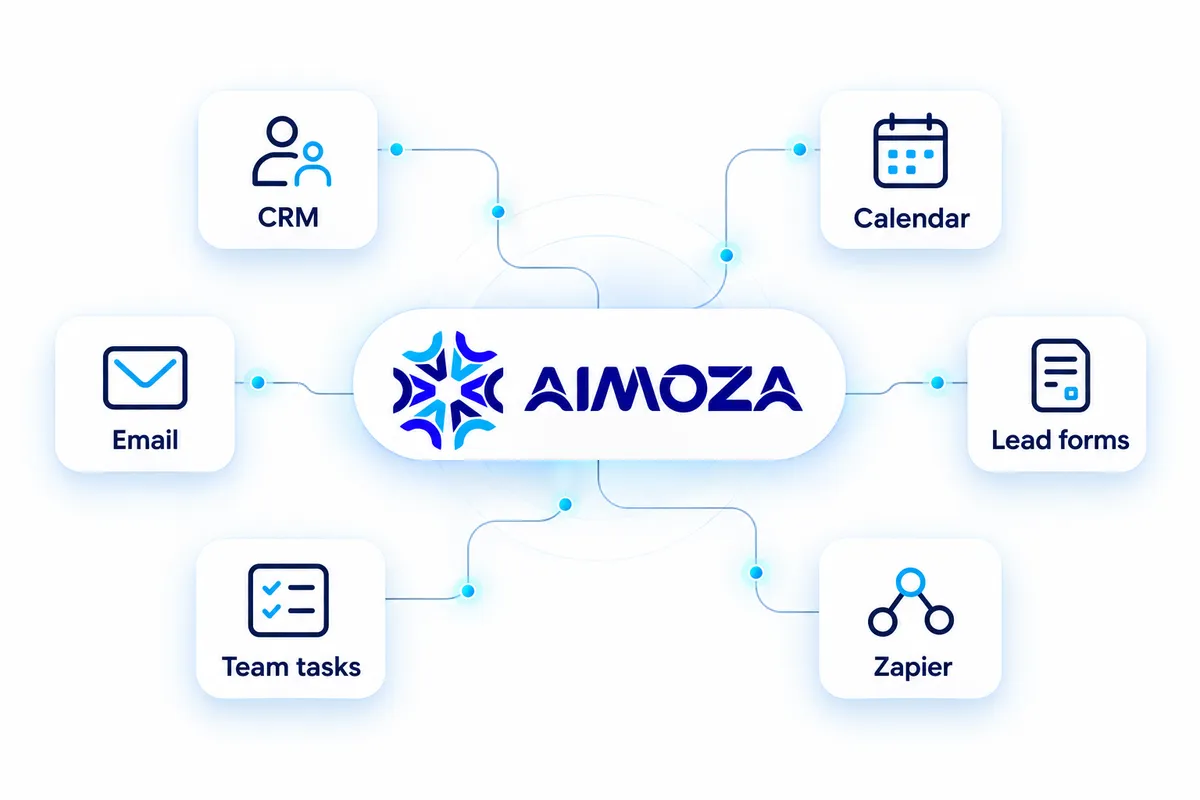
Explore Your Integration Requirements


How It Works
Create your first AI agent and connect it to the way you work.
01
Create your first AI agent
Choose its role and add your business information.
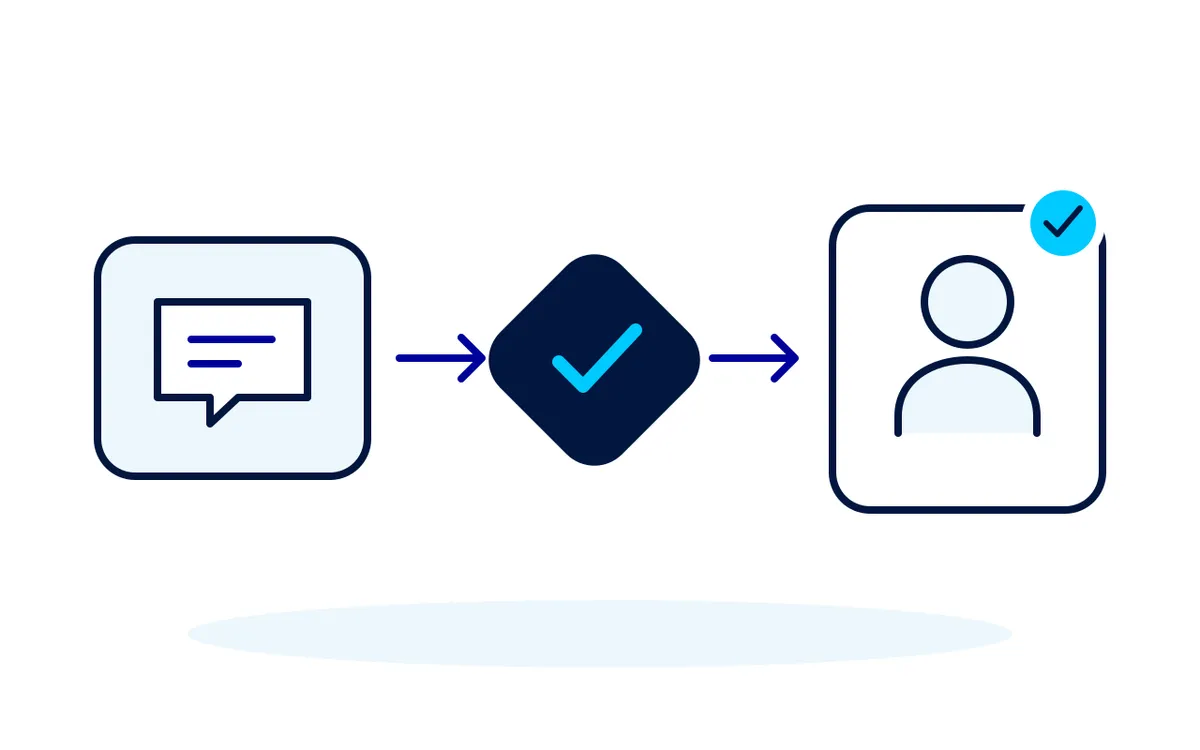
02
Connect your tools and leads
Connect your CRM and calendar, or upload your contacts.
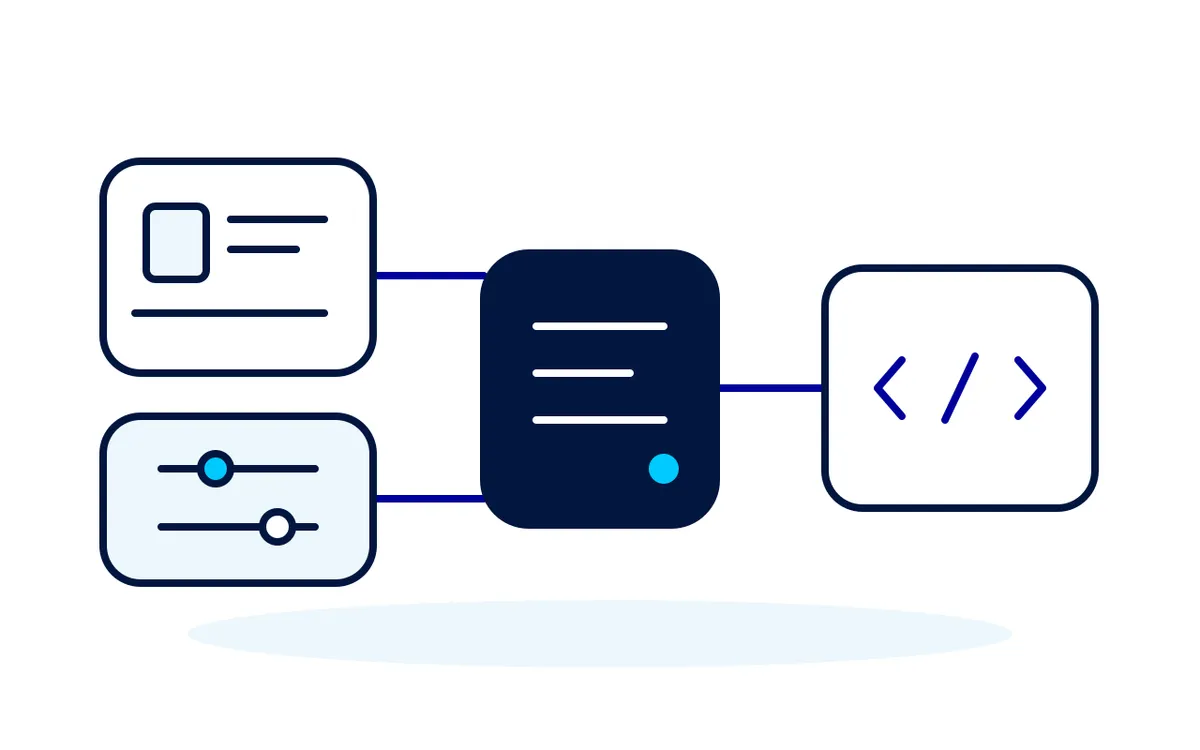
03
Put your agent to work
Review the setup, then start handling inquiries and follow-up.
Customize to Fit Your
Unique Style!
Personalize your AI agent's personality and communication style to match your brand.
Voice

Latency & Performance

Logic Brain

Define Personality Types
Choose from friendly, formal, playful, or expert personas—or create your own unique blend.
Control Tone & Language
Fine-tune how your agent speaks—from on-brand phrases to the level of formality in every reply.
Stay On-Brand Everywhere
Ensure every interaction feels like your brand—no matter the channel, time, or audience.
AI Powered CRM
Keep contacts, conversations and opportunities organized, with the next step easy to find.
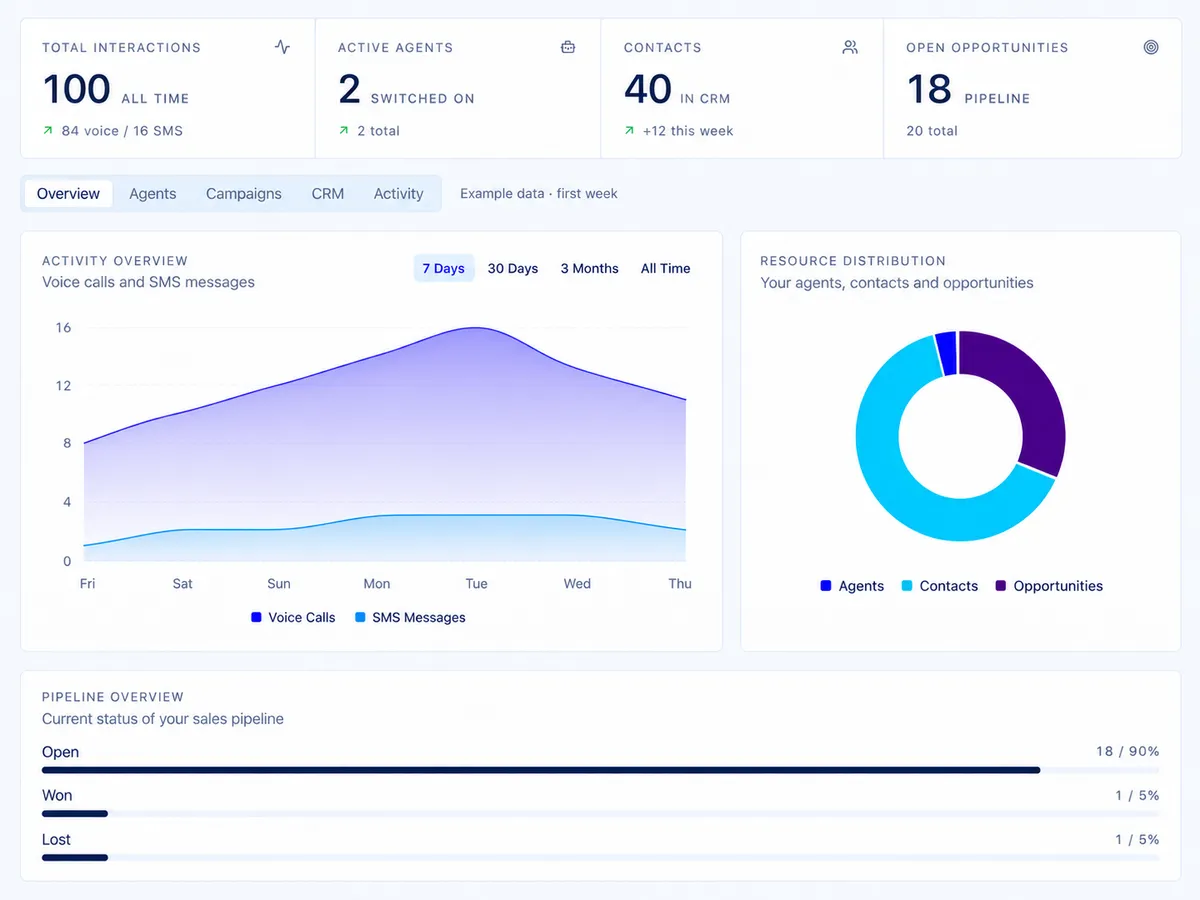
Qualification and Pipeline Visibility
See what each lead needs and where they stand in your pipeline.
• Record qualification answers and unresolved questions
• Define the next owner and follow-up task
• Review opportunities by stage and activity

Configured Follow-Up Sequences
Build follow-up sequences around your connected channels, so the next step stays clear.
• Use AI to draft, test, and optimize every step of your sequences
• Use supported events and permissions to define follow-up triggers
• Review configured channels and unresolved handoffs in your workflow
Get exceptional performance, scalability, and personalized support.
Tell us where leads get stuck. We’ll show you how AIMOZA could help.
Frequently Asked Questions
Clear answers before you get started.
How quickly will I receive support after submitting a request?
Use the AIMOZA contact and escalation route in your agreement. Support coverage and response expectations follow your agreed scope.
Can I change or cancel my plan at any time?
Review the billing and cancellation provisions in the Terms of Use and your order. Contact AIMOZA to confirm available plan changes and their timing.
Is there a contract or long-term commitment?
No long-term contracts are required. All our standard plans are month-to-month, so you can use the service for as long as it suits your needs.
Do you offer refunds if I’m not satisfied?
Subscription fees, usage charges, setup fees, overages and top-ups are non-refundable unless otherwise required by law. Review the Terms of Use before subscribing.
What is an AIMOZA Agent?
An AIMOZA Agent is an AI-powered assistant that helps agents handle conversations, follow-ups, and routine tasks so they can focus on high-value client relationships.
How does AIMOZA Agents integrate with my existing tools?
Review each proposed connection for support, account ownership, permissions and expected behavior. Your agreement identifies the systems and actions included.
Is my client data secure?
Review data handling, permissions and retention for each supported connection before setup. Confirm requirements and approved access in your agreement and Privacy Policy.
Can I control what the AI is allowed to do?
Define approved answers, permitted actions and escalation rules for each agent. Verify the configured behavior and available activity records before live use.
What kind of support do you provide?
Your agreement defines the onboarding help, documentation, support channels and coverage included in your service.
What is included in your service?
Your selected plan and agreement define the platform access, configuration, optimization and support included. Usage credits and stated third-party fees are separate.
How long does it take to get started?
Timing follows the agreed scope and depends on required access, configuration and acceptance results. Confirm the plan and review owner before work begins.
Can I cancel my subscription at any time?
The Terms of Use state that cancellation takes effect at the end of the current billing cycle. Contact AIMOZA for the applicable cancellation process.
Do you offer support if we get stuck?
Use the named AIMOZA contact and escalation route in your agreement. Share the workflow, expected result and actual outcome, with unnecessary personal information removed.
What can AIMOZA do for my business?
AIMOZA agents help answer inquiries, ask qualification questions, coordinate appointments and organize follow-up. Give each agent a role, your business information and the actions it is allowed to take.
Do I need coding experience to get started?
You can create and customize agents through the platform. Start with an agent, connect the tools and leads you need, then review the setup. Managed setup and support are available within your selected service.
Can I keep my CRM and connect my other tools?
Use AIMOZA’s built-in CRM at launch. Expanded external CRM connections and data-transfer tools are coming soon with the Integration Center. We confirm any specific integration, setup requirements and separate provider costs before implementation.
Which communication channels can my agents use?
Voice and messaging options depend on your plan and connected services. We confirm the channels included in your setup before launch, so you know where your agents can respond and follow up.
Can I customize my agents and involve my team?
Yes. Set each agent’s business knowledge, instructions, voice and permitted actions. Define when it should hand a conversation or task to a person, so your team stays involved where needed.
How is access to customer information handled?
Your setup determines who can access customer information and which connected tools an agent can use. Review our Privacy Policy for data handling and confirm any business-specific requirements before connecting customer data.
What does my plan include, and how is usage charged?
Your selected plan defines platform access and any managed services. Calls, messages and other paid activity use credits; usage credits and applicable third-party fees are separate from the subscription unless your order states otherwise.
Can I change or cancel my plan, and are payments refundable?
Contact AIMOZA to arrange a plan change or cancellation. Under our Terms of Use, cancellation takes effect at the end of the billing cycle. Subscription fees, usage, setup fees and top-ups are non-refundable unless otherwise required by law.
Want to work with us?
Ready to put your first agent to work? Let’s talk about your business.

COMPANY
CUSTOMER CARE
LEGAL
FOLLOW US


Copyright © 2026 AIMOZA. All rights reserved.